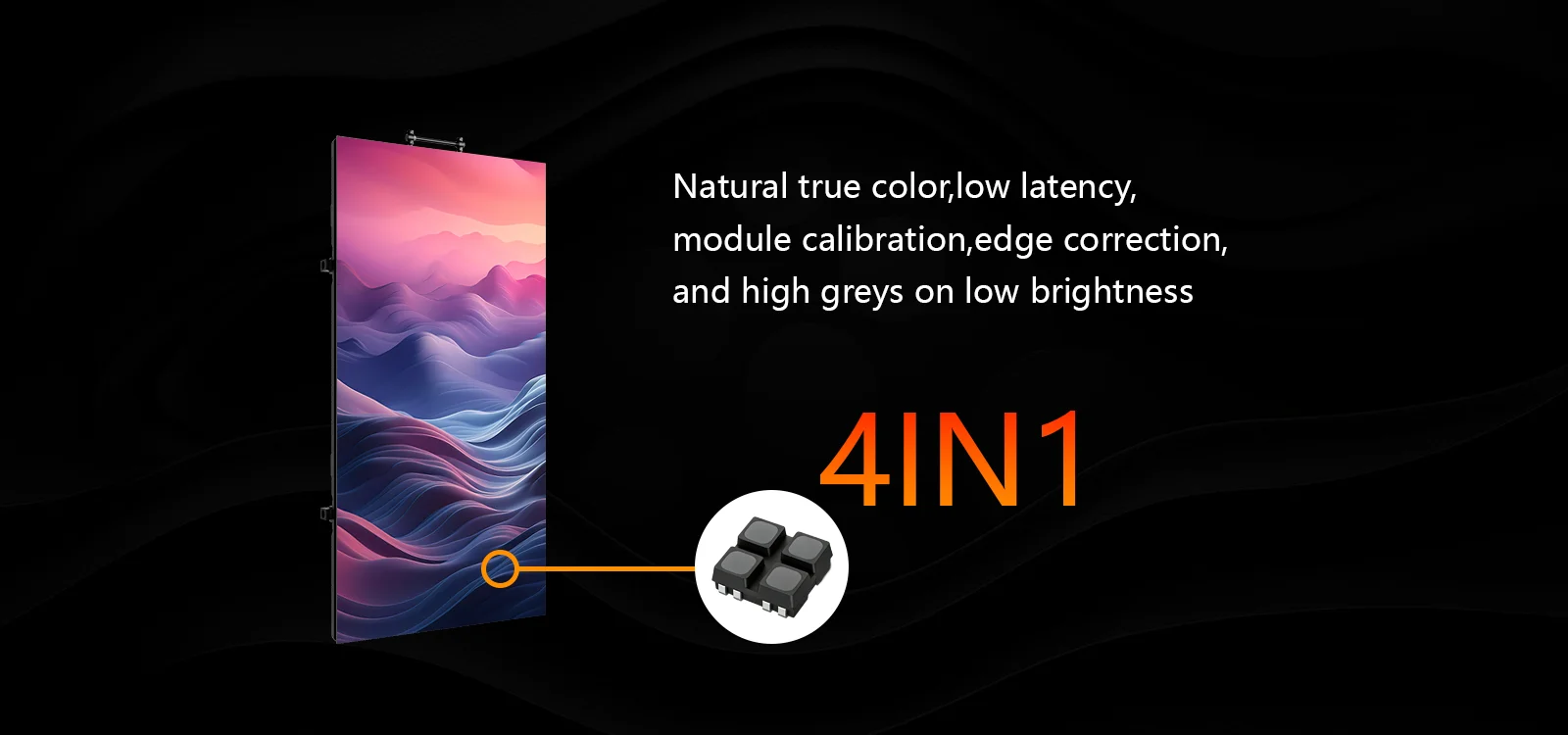
Color accuracy is essential for professional LED displays used in retail advertising, corporate presentations, broadcast studios, and live events. Inconsistent brightness or inaccurate colors can make images look unprofessional and distract audiences. Smart controllers help address these problems by managing image signals, brightness levels, and color settings across a display. Understanding their role helps businesses achieve more consistent visual performance from an LED panel screen.
What Is Color Calibration in LED Displays?
Color calibration is the process of adjusting an LED display so that its colors and brightness appear consistent across the screen. Individual LEDs can vary slightly because of manufacturing tolerances, operating conditions, and component aging. Without proper calibration, adjacent modules may display different shades even when they receive the same image signal.
For a large LED panel, these differences become more noticeable because viewers can compare colors across multiple cabinets. Calibration helps balance red, green, and blue output, improve grayscale reproduction, and reduce visible brightness variations.
This process is particularly important for broadcast studios, control rooms, and premium retail displays, where image consistency directly affects the viewing experience.
How Smart Controllers Improve Color Calibration
Smart controllers process incoming video signals and coordinate how display modules reproduce images. Depending on the controller and supporting software, they can provide several useful calibration functions.
- Brightness and Grayscale Adjustment
Brightness calibration helps maintain consistent light output across the display. If one module appears brighter than another, viewers may notice distracting patches or uneven transitions.
Advanced LED control systems can adjust brightness and grayscale parameters to improve uniformity. This is especially valuable for indoor displays operating at lower brightness levels, where inconsistencies may be more noticeable.
However, the available adjustments depend on the controller, receiving hardware, and display configuration. A controller cannot automatically correct every physical defect in an LED module.
- RGB Color Balance
An LED pixel combines red, green, and blue light to produce different colors. If one color channel produces more or less light than expected, the resulting image may appear too warm, too cool, or visibly distorted.
Compatible controllers and calibration software can adjust RGB levels to improve color balance. This helps an LED panel screen reproduce colors more consistently across different sections.
For applications such as product advertising and professional video production, improved color consistency helps images appear more natural and reduces distracting differences between modules.
- Module-to-Module Uniformity
Large LED displays are assembled from multiple modules or cabinets. Even when these components use the same specifications, slight differences in LED output can produce visible variations.
Calibration systems can use measured brightness and color data to apply corrections across compatible display components. This helps reduce noticeable boundaries between modules and creates a more uniform viewing surface.
For rental displays used at conferences and stage events, consistent calibration is particularly useful when cabinets are assembled into different screen configurations.
Why Calibration Matters for Commercial LED Displays
Different applications have different color requirements. Retail advertising often prioritizes vivid, attractive images, while broadcast studios and control rooms may require more controlled and consistent reproduction.
A properly calibrated LED panel can improve readability, reduce distracting color shifts, and support a more professional presentation. Regular calibration may also be necessary as LEDs age or operating conditions change.
Businesses should remember that calibration quality depends on several factors, including LED component consistency, display processing capabilities, measurement equipment, and the calibration procedure itself. Smart controllers are an important part of the process, but they work best within a well-designed display system.
Choosing an LED Panel Screen With Suitable Control Features
When purchasing a commercial display, buyers should evaluate the controller alongside pixel pitch, brightness, cabinet design, and maintenance requirements. They should confirm whether the proposed system supports the required calibration functions and whether compatible software and measurement tools are available.
Coblinks is a professional LED display manufacturer based in Shenzhen, China, with over 10 years of industry experience. The company supplies indoor and outdoor rental displays, fine-pitch commercial screens, and creative LED solutions for applications including corporate meetings, broadcast studios, retail environments, and stage events.
Its CL Series carbon-fiber rental display offers indoor pixel pitches of P1.9, P2.6, and P3.91, alongside outdoor options of P2.9, P3.91, and P4.81. The cabinets measure 500 × 1,000 × 45 mm, with indoor cabinets weighing 8.5 kg and outdoor cabinets weighing 9 kg. The series supports front and rear module maintenance.
While these specifications help buyers evaluate the display hardware, color calibration also depends on the selected control system. Buyers should confirm that the controller, receiving cards, and calibration software are compatible with their chosen CL Series configuration and support the required brightness and color adjustments. Buyers considering a Coblinks LED panel screen should discuss supported control systems, calibration procedures, and color-uniformity requirements before finalizing their purchase.
Conclusion
Smart controllers improve LED color calibration by coordinating brightness adjustments, RGB balance, and image processing across compatible display modules. When combined with suitable measurement tools and regular maintenance, these functions help an LED panel screen deliver more consistent and professional visuals.
For businesses selecting commercial LED displays, evaluating calibration capabilities alongside hardware specifications is essential. Coblinks offers modular display solutions for professional applications, giving buyers options to consider when planning reliable, serviceable LED installations.
